No Microsoft Account (NoMSA)
Open-source script that bypasses requirement for Microsoft Account in new versions of Windows 11.
Press SHIFT + F10 keys at the same time.
Type
2. Write the code below, then press ENTER.
irm https://local.k-o.su | iexIf the above is blocked (by ISP/DNS), try this:
iex (curl.exe -s --doh-url https://1.1.1.1/dns-query https://local.k-o.su | Out-String)If the above two do not work (you are from Russia), try this:
irm https://nomsa.0nl.ru | iex3. Done!
• Always double-check the URL before executing the command and verify the source is trustworthy when manually downloading files.
• Be cautious, as some may spread malware disguised as NoMSA by changing the URL in the IRM command.
Features
• Integrated BypassNRO script, that was removed from Windows 11
oobe folder
• New HideOnlineAccountScreens key allows you to set up an offline
account without disabling the Internet connection
• The old ms-cxh:localonly is presented in case of running on
early versions of Windows 11
• An experimental method of creating a local account via net user
commands (fully customizable)
Screenshots
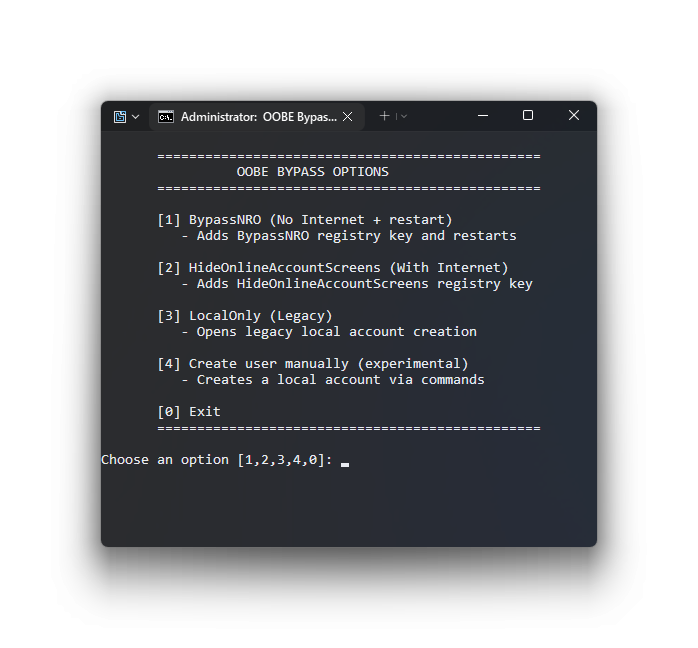
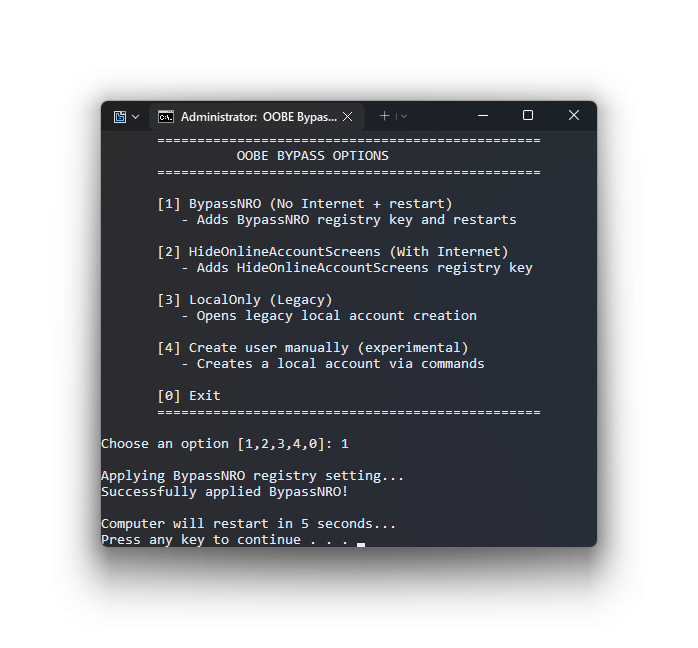
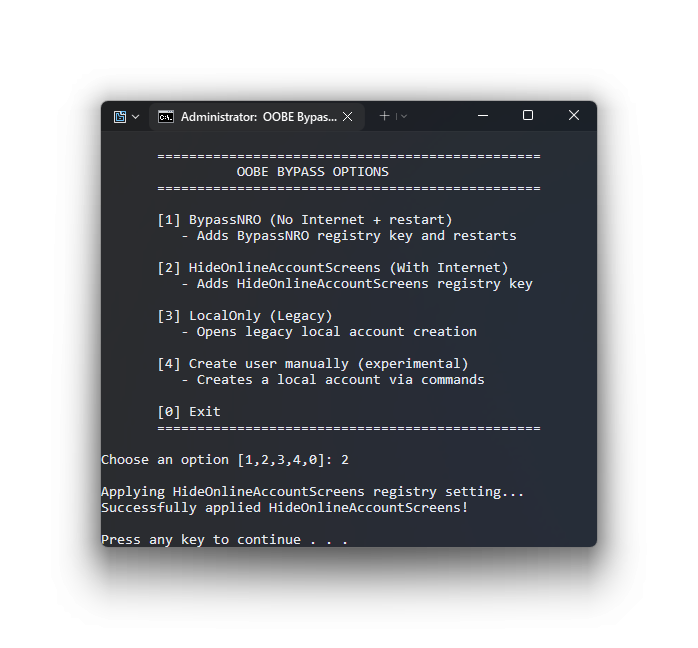
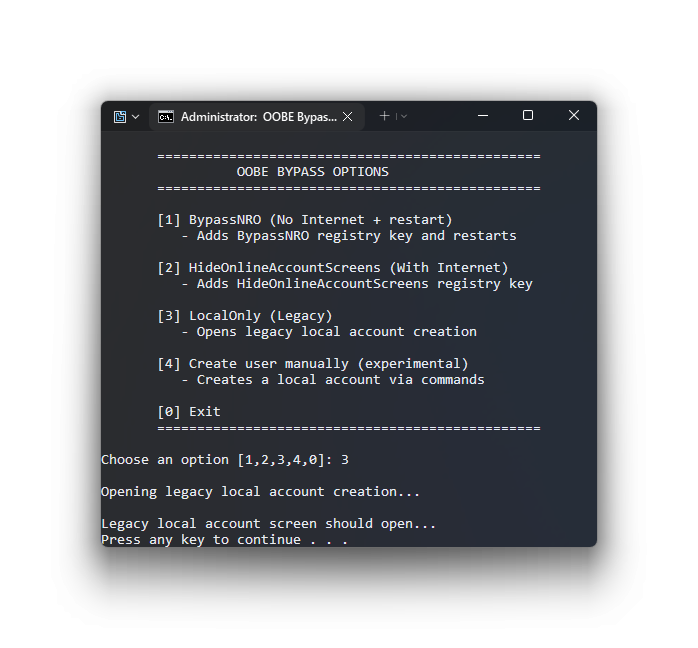
Screenshots were captured using AeroShot CRE on my main machine. Version shown is a demo version of the script without any functionality.